

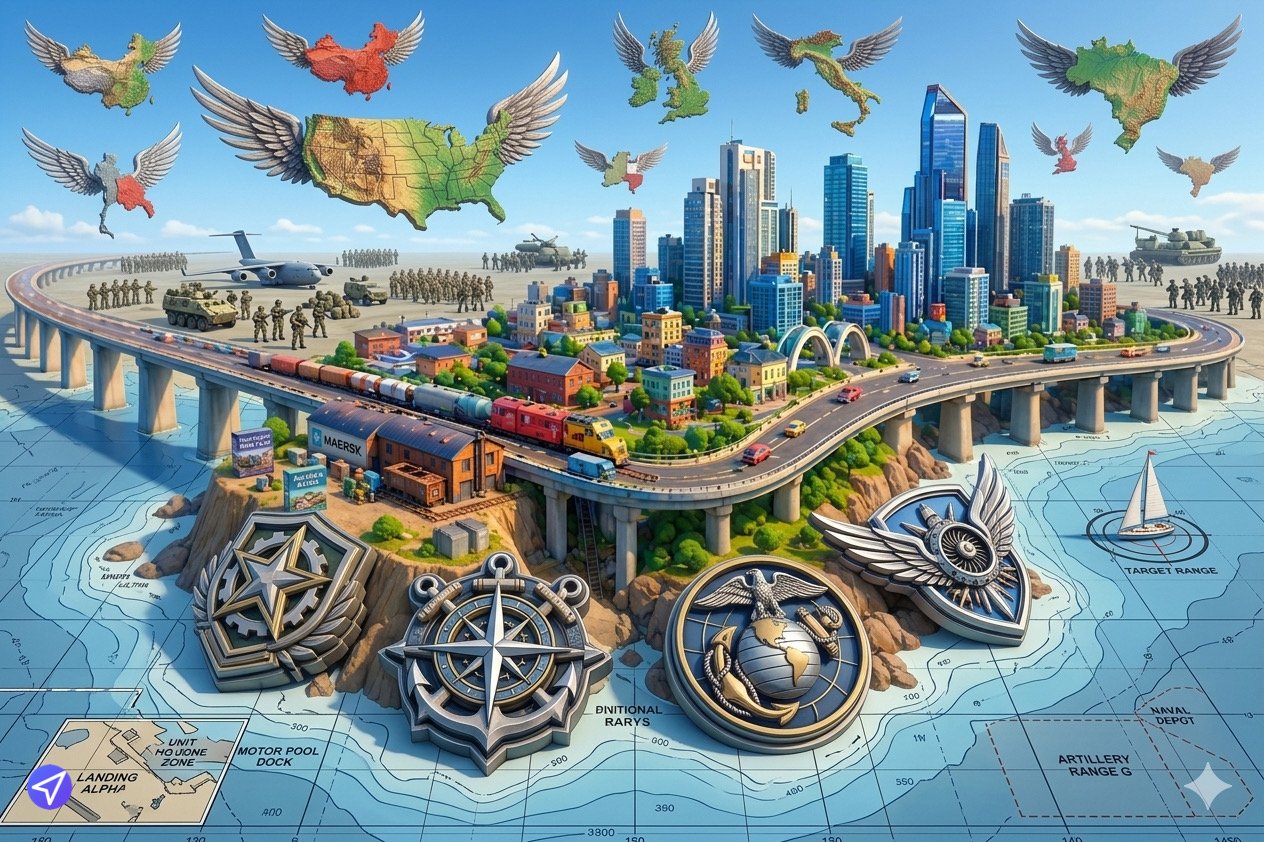
Welcome to the Metruvia Content Creator Series Maps and Heightmaps Guide. If vehicles are the actors and industries are the plot, the map is the stage. In Transport Fever 2, a well-designed map dictates the entire flow of the game, forcing players to engineer creative solutions to navigate treacherous mountain passes or bridge massive coastal straits.
For PC players, creating a map is often as simple as importing a greyscale image and clicking “Play.” However, in the Mod.io cross-platform ecosystem, maps present a unique memory allocation challenge. A map is not a 3D model; it is a massive, uncompressed array of topological data.
This masterclass will deconstruct the technical pipeline of map generation. Because precision in technical 3D image generation is paramount to visual design, we will deeply explore the rigid mathematics of aspect ratios, the absolute necessity of 16-bit data depth, and the strict file-size guardrails required to successfully deploy a custom world to PlayStation 5 and Xbox Series X|S without exceeding unified memory budgets.
1. The Mathematics of Heightmaps: Resolutions and Aspect Ratios
A heightmap is a 2D image that the game engine extrudes into a 3D landscape. Pure black represents the lowest possible elevation (the ocean floor), and pure white represents the highest mountain peak.
When generating these technical images, you cannot use arbitrary pixel dimensions. Transport Fever 2 requires specific aspect ratios and strict mathematical resolutions based on the power-of-two rule.
1.1 The Aspect Ratio Grid
The engine officially supports three core aspect ratios: 1:1 (Square), 1:2 (Rectangle), and 1:3 (Long Rectangle). Your heightmap image dimensions must strictly adhere to these proportions.
1.2 The Resolution Formula
The exact pixel resolution of your heightmap must follow this specific formula to map correctly to the game’s terrain grid:
$$Resolution = (2^n) + 1$$
Small (1:1): 1025 x 1025 pixels
Medium (1:1): 2049 x 2049 pixels
Large (1:1): 4097 x 4097 pixels
Large (1:2): 2049 x 4097 pixels
Huge (1:1): 4097 x 4097 (scaled differently in engine)
If you upload a heightmap that is exactly 4000×4000 pixels, the engine will either crash or aggressively stretch and warp the terrain, destroying your careful visual design.
1.3 The 16-Bit Grayscale Mandate
Standard images (like JPEGs or standard PNGs) are 8-bit, meaning they contain 256 shades of gray. If you use an 8-bit image for a heightmap, your in-game terrain will not be smooth. It will render as a “terraced” staircase, with blocky, jagged steps representing each of the 256 color values.
You must export your heightmap as a 16-bit Grayscale PNG or TIFF. A 16-bit image contains 65,536 shades of gray, providing the sub-millimeter precision necessary for perfectly smooth, realistic rolling hills and continuous gradients.
2. Console Memory Limits: The “Megalomaniac” Ban
On the Steam Workshop, PC players frequently download “Megalomaniac” maps (massive 1:3 ratio maps often exceeding 8193 x 8193 resolutions).
On Mod.io, Megalomaniac maps are strictly forbidden.
Console operating systems simply do not have the RAM capacity to store the topological data, the pathfinding graphs, and the thousands of AI vehicles required to populate a map of that size.
The Certification Limit: Your map must be categorized as Tiny, Small, Medium, Large, or Huge.
If you attempt to bypass this by editing the base configuration files to force a Megalomaniac size parameter on a Mod.io upload, the automated API will reject the mod instantly.
3. The Map Script (map.lua)
The heightmap only provides the dirt; the map.lua script provides the life. This file sits in your map’s root folder (maps/my_custom_map/map.lua) and dictates the initialization parameters of the world.
3.1 Defining the Z-Axis (Elevation)
The script tells the engine how to interpret your grayscale image using the range parameter.
function data()
return {
name = (“The Azure Coast”), description = (“A challenging coastal region with steep cliffs.”),
range = { 0.0, 500.0 }, — Black is 0 meters, White is 500 meters
seed = “Metruvia_Seed_01”,
— …
}
end
function data()
return {
name = (“The Azure Coast”), description = (“A challenging coastal region with steep cliffs.”),
range = { 0.0, 500.0 }, — Black is 0 meters, White is 500 meters
seed = “Metruvia_Seed_01”,
— …
}
end
If you set the range to { 0.0, 2000.0 }, every subtle gray shift in your image will become a massive, jagged mountain. Tuning this range is critical for gameplay balance.
3.2 Water Level and Navigability
The waterLevel parameter is a flat Z-axis coordinate. If your waterLevel is 100.0, any terrain on your heightmap that falls below 100 meters will be submerged.
The Navigability Rule: For ships to traverse a body of water, the terrain beneath the water must be at least -5.0 meters deep relative to the waterLevel. If you create a beautiful, winding river that is only 3 meters deep, players will not be able to place ship depots or route passenger ferries, breaking a core gameplay loop.
3.3 Static vs. Procedural Generation
You have two choices for towns and industries:
Procedural: You allow the engine’s algorithm to randomly scatter cities and factories across the map based on a seed.
Static Coordinates: You manually define a towns and industries array in the map.lua with exact X and Y coordinates. This is heavily preferred for scenario-based maps or recreations of real-world locations.
4. Topology & Gameplay Balance
A visually stunning map is not always a playable map. Transport Fever 2 is a game about physics and civil engineering. Your topology must accommodate the mechanics of the vehicles.
4.1 The Railway Gradient Limit
Early 19th-century steam locomotives struggle to climb gradients steeper than 2.5%. If your map consists entirely of sharp, jagged peaks with deep ravines, players will physically be unable to lay track without resorting to unrealistic, game-breaking tunneling that bankrupts their company. Ensure there are natural, sweeping valleys and coastal plains that allow for early-game logistical networks.
4.2 Nav-Mesh Painting
When designing your heightmap, pure white (mountain peaks) and pure black (deep oceans) are easy. The challenge lies in the mid-tones. Use soft, feathered brushes in your image editing software to create natural plateaus. A perfectly flat, artificially painted plateau will immediately ruin the organic realism of the map.
5. Packaging and Dependency Compliance
When packaging a map for Mod.io, the “Standalone Rule” is enforced with extreme prejudice.
5.1 The Mod Dependency Trap
If you used a custom PC mod (like a specific “American Style Town Building” mod) while generating or testing your map locally, the map.lua might silently bake that dependency into the file.
When a console player downloads your map, if they do not also have that exact building mod installed, the map will fail to load, resulting in a crash.
The Mandate: Your map must only rely on vanilla assets. Clear all active mods from your load order when test-generating the final version of your map.
5.2 The Preview Image
Map mods require a specific preview thumbnail to render correctly in the in-game map selection menu.
Path: maps/my_custom_map/image_00.tga
Format: Uncompressed Targa (.tga) format, exactly 320×180 pixels. If this file is missing or formatted as a .png, the map will appear as a broken gray box in the console UI.
6. Summary: The Pre-Publish Map Audit
Before you submit your map to the Mod.io API, run your files through this final topographical audit:
Resolution Check: Is your heightmap resolution exactly $2^n + 1$ (e.g., 2049×2049, 4097×4097)?
Bit Depth: Is the heightmap exported strictly as a 16-bit grayscale image to prevent terrain terracing?
Water Depth: Are the primary rivers and coastal bays at least 5 meters deep to allow for ship navigation?
Vanilla Purity: Was the map saved and tested with zero third-party mods active to prevent ghost dependencies?
Size Limits: Is the map categorized within the acceptable console limits (Huge or smaller)?
By treating heightmaps not merely as pictures, but as precise mathematical arrays, you guarantee that your digital landscapes will render flawlessly and provide a robust, stable foundation for players to build their cross-platform empires.

Leave a Reply