

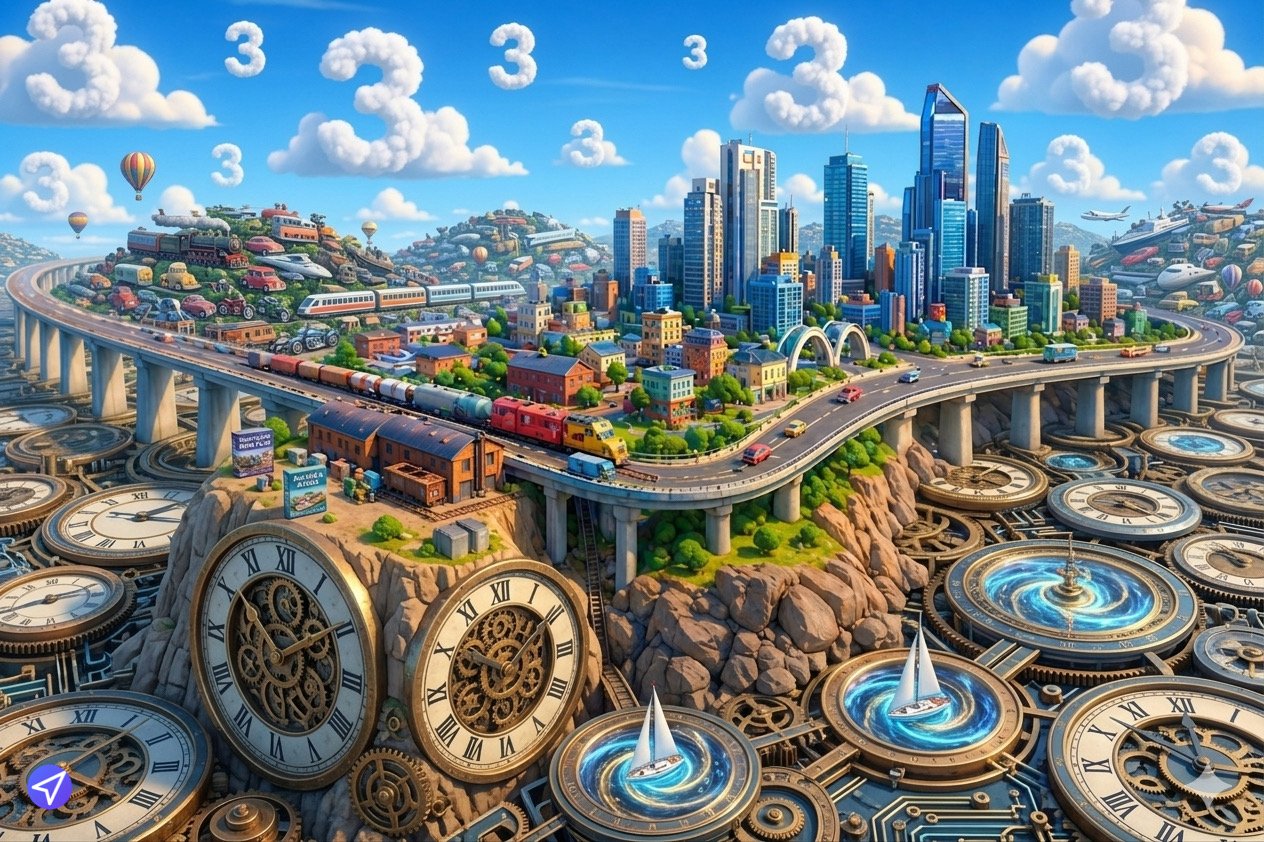
Welcome to the Metruvia Content Creator Series Transport Fever 3 Prep Guide. Throughout this series, we have treated Transport Fever 2 as a static, known ecosystem. We have optimized for its specific unified memory limits, its specific Lua 5.3 sandbox, and its specific PBR channel-packing requirements.
However, professional digital engineering requires looking at the horizon. While Transport Fever 2 enjoys a robust, active lifecycle, franchise iteration is an inevitable reality in game development. When Transport Fever 3 (or whatever the next major engine upgrade entails) arrives, the modding community will face a “Great Migration.”
Historically, when a franchise jumps to a new engine, 80% of the previous generation’s mods are abandoned. Modders look at the hundreds of hours required to rebuild their assets and simply walk away. This masterclass is designed to put you in the surviving 20%. We will deconstruct the workflows, source-file management, and code decoupling strategies required to ensure your current portfolio can be ported to a next-generation engine in a matter of days, rather than months.
1. The Source Vault: Escaping the “Compiled Dead-End”
The most fatal mistake amateur modders make is treating the game’s res/ folder as their primary workspace. The files that Transport Fever 2 reads—compiled .blob meshes, compressed .dds textures, and minified .lua scripts—are the end of the line. They are optimized for the machine, not the creator.
1.1 The Source Retention Mandate
If you lose your original project files, your mod is dead the moment the engine architecture changes. A next-generation game will likely use a completely different proprietary mesh format. You cannot efficiently extract a .msh.blob file back into a clean, editable 3D workspace.
You must maintain a sterile “Source Vault” locally or in the cloud. For every single mod, you must retain:
The .blend / .fbx Files: The raw, un-triangulated 3D meshes with intact modifier stacks and cleanly named vertex groups.
The .spp (Substance Painter) Files: The non-destructive texturing projects containing your raw masks and layers, not just the exported flat images.
The .wav Master Files: The high-resolution, uncompressed 24-bit/48kHz audio recordings, before they were aggressively downsampled for console optimization.
2. Resolution Independence and Forward-Compatible PBR
Transport Fever 2 demands extreme texture optimization (e.g., 2048×2048 textures mapped via the BC1 format). A next-generation title, leveraging the baseline power of future console hardware, will likely support or demand 4K textures and potentially ray-traced material responses.
2.1 Baking “Hero” Assets
When modeling a new train, never build only to the current TF2 polygon budget (e.g., 40,000 tris).
Build a High-Poly Hero Mesh (e.g., 2,000,000 tris) with every single rivet, bolt, and panel gap physically modeled.
Bake that geometry down onto your optimized TF2 mesh to create your Normal Map.
Save the Hero Mesh. When TF3 arrives and allows 100,000-triangle base models, you do not need to start from scratch; you simply generate a slightly denser retopology from your existing Hero asset.
2.2 PBR Agnosticism
Transport Fever 2 uses the specific MGA (Metalness, Gloss, Ambient Occlusion) channel-packing method.
The broader game industry standard is moving heavily toward ORM (Occlusion, Roughness, Metallic) or entirely discrete maps for Unreal Engine 5 compatibility.
If you paint your textures directly into an MGA format in Photoshop, you are locking yourself into the TF2 engine. By keeping your Substance Painter (.spp) files organized with standard PBR logic, porting to TF3’s texturing requirements will simply require selecting a new export preset template and clicking “Export”—a 30-second process.
3. Scripting Hygiene: Decoupling Logic from Data
The Lua syntax and specific internal APIs (api.engine, api.res) of Transport Fever 2 will almost certainly break in a sequel. If you intertwine your mathematical data directly into the game’s API functions, porting your code will require a total rewrite.
3.1 The “Magic Number” Fallacy
Never hardcode balance values directly into your executing functions.
Bad (Hardcoded):
data.metadata.maintenance.runningCosts = 450000
Good (Decoupled):
Store all your vehicle parameters in a central configuration table at the top of your script or in a separate module.
— configuration.lua
local MetruviaConfig = {
diesel_heavy = { mass = 120, power = 3000, tractive = 400, cost = 450000 },
diesel_light = { mass = 60, power = 1500, tractive = 200, cost = 150000 }
}
return MetruviaConfig
3.2 Building API Bridges
By keeping your data (the configuration table) entirely separate from the TF2-specific execution logic (the runFn modifiers), you future-proof your economy. When a sequel drops, your data remains perfectly intact. You simply rewrite the “bridge” function that translates your configuration table into the new game’s specific API format.
4. Version Control: Git for Modders
If you are treating modding as a professional exercise (managing portfolios with dozens of assets and scripts), relying on Windows File Explorer to manage versions (e.g., train_final.mdl, train_final_v2.mdl, train_FINAL_real.mdl) is a recipe for catastrophic data loss.
4.1 Implementing Git
Adopt industry-standard version control using Git (via GitHub or local repositories).
Branching: When you want to experiment with a new custom industry logic, you create a “branch.” If the code crashes the game, you abandon the branch and return to your stable master build instantly.
The Changelog Ledger: Git acts as an immutable ledger of exactly what you changed and when. Three years from now, when you are trying to remember why you added a specific math modifier to a bounding box, your Git commit history will tell you.
Note on Binary Files: Git is designed for text (code). While you can store 3D models and textures in Git using LFS (Large File Storage), it is often more practical for modders to use Git strictly for their .lua, .mdl, and .con text files, while backing up heavy binary assets to a dedicated cloud storage drive.
5. Architectural Consistency and Naming Conventions
When porting a massive portfolio to a new engine, automated bulk-renaming and processing scripts (using Python or batch files) will be your greatest asset. Automated scripts require rigid, predictable naming conventions to function.
5.1 The Master Naming Schema
If half of your textures are named main_color.dds and the other half are named train_albedo.dds, writing an automated script to port them to a new engine format becomes impossible.
Establish a rigid schema today:
[creator][asset_class][name][LOD][map_type]
Example: metruvia_loco_sd40_lod0_albedo.dds
If every single file in your portfolio follows this exact mathematical string structure, you can easily write a 10-line Python script to instantly restructure your entire Mod.io catalog to fit whatever folder hierarchy Transport Fever 3 demands.
6. Summary: The Pre-Sequel Survival Audit
The jump between game generations separates the hobbyists from the engineers. To ensure your Metruvia portfolio survives the eventual engine upgrade, audit your current pipeline against these principles:
The Vault Check: Do you have the raw .blend and .spp files backed up securely for every asset you have ever published?
Geometry Scaling: Are you retaining high-poly bakes to allow for easy retopology if polygon budgets increase?
Data Decoupling: Are your economic and physics values isolated in clean configuration tables, away from TF2-specific API calls?
Version Control: Are your scripts tracked via Git, providing a clear history of your logical architecture?
Schema Discipline: Is your internal file naming convention perfectly uniform across all projects to allow for future automated porting?
By treating your mods not as disposable game files, but as platform-agnostic digital assets, you guarantee that your work will transcend the current generation and establish an immediate, dominant presence the moment the next era of transport simulation begins.

Leave a Reply